A digital loyalty card without an app
Asking a client to install an app to collect points is the quickest way to make sure they don't. How a card that opens from a QR code works.
Every step you ask of a client to join your programme halves the number who reach the end. Finding an app, installing it, creating an account and accepting permissions are four steps before seeing a single point.
A digital card without an app removes almost all of them. It opens from a link or a QR code and lives in the phone's browser.
What it is exactly
It is the client's personal page with their points balance, the rewards within reach and a code that identifies them. That code is usually a QR your team scans at the front desk.
It is not an app or a pass in the phone's wallet. It is a web page the client reaches with their account.
How the client gets it
There are usually three routes.
- From your booking page. A button to get the card next to your services.
- From a poster at the front desk. A QR code scanned while waiting.
- By itself. If they are already your client and have an account, the card can be created without them doing anything.
The best moment is right after paying, with the phone still in hand.
How it is used during the visit
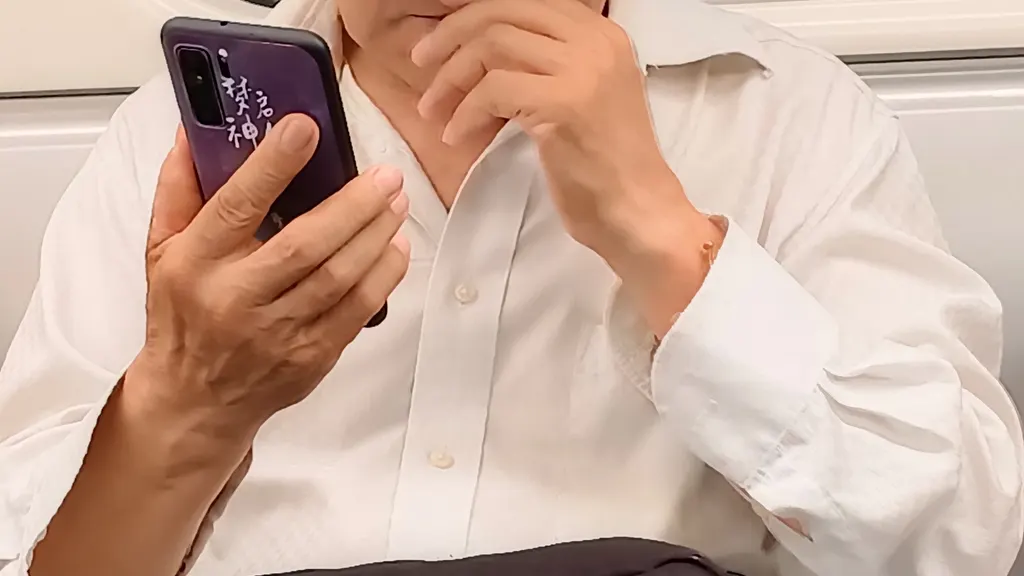
The client shows their QR, your team scans it and adds the appointment's points. Ten seconds.
For the day the phone is out of battery or left at home, it helps if the card also has a short code that can be read out.
What happens if they lose their phone
With a paper card, losing it means losing the points. With a digital one, the balance is recorded next to the client and not on the phone. They sign in from another device and carry on where they were.
If they worry about someone using their code, a good card lets them change it.
No app versus the phone wallet
Phone wallet passes are convenient, but each system has its own and not every client uses them. A page works the same on any phone with a browser, whatever the system.
What is lost is the automatic notification on screen. What is gained is that there is nothing to install or update.
What you should ask of any digital card
- That the client sees their balance and what they can get with it.
- That the code cannot be guessed. A phone number as an identifier will not do.
- That adding points takes seconds and is done from where your team already takes payment.
- That there is a history. Every addition and every redemption, with its date and who did it.
- That it belongs to your business. Points earned with you are spent with you.
In Barberfy
The Barberfy Points card needs no app and no phone wallet. The client gets it from your public page or by scanning the poster at the front desk, and finds it in their account, under "My cards". It carries a QR code and a short nine character code to read out if they do not have their phone to hand. If they lose the phone, they can change the code.
During the visit, your team opens the scanner from the diary, reads the card and adds the points for that day's appointment.
If you are coming from the paper card, compare the two in stamp card or points programme. And so that clients find out, how to promote your programme.
Updated on 18 November 2026