Publish your business when it's ready
A new venue doesn't appear anywhere until you publish it. Meanwhile, setup tells you what's missing and lets you try booking as a client.
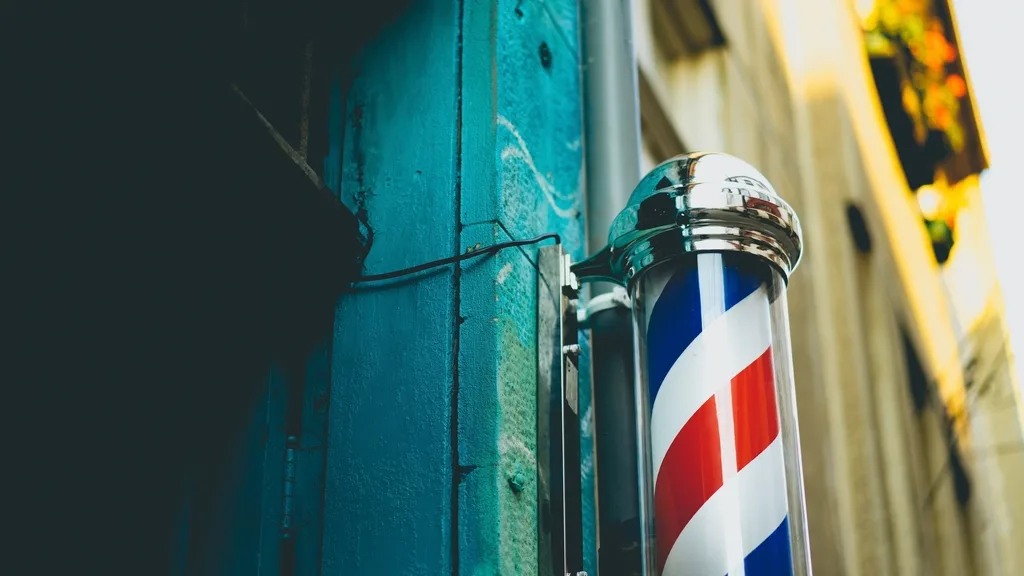
Signing up a venue and having it appear half done on the internet is a bad first impression. No photos, no services, no opening hours. That's why in Barberfy a newly created venue starts out in preparation, and nobody sees it until you decide.
While it's in preparation
It has no public page, doesn't come up in Barberfy's search and doesn't exist for Google. You can work on it calmly, leave it half done and come back another day.
What's missing, on a single screen
Each venue has its setup page. It brings together what's needed to take the first booking and tells you what the next step is.
The essentials are what you'd expect.
- The business details and its address.
- At least one service, with its price and duration.
- The venue's opening hours.
- Someone to see clients, with their working hours.
From the dashboard's home screen you also see each venue's progress, so if you run several you know at a glance which one is pending.
Check there really are slots
It's the most common fault and the hardest to see. Everything looks set up and yet booking offers no times. It's usually opening hours that don't match the professional's, or a service with nobody assigned.
Setup checks it for you before publishing and tells you whether the venue offers slots.
See it as a client will
Before publishing you can open your page and go through the whole booking in preview. You see the photos, the menu, the opening hours and the booking steps just as they'll look.
Only you see the preview, it isn't indexed and it doesn't create appointments. It's there for trying things out without worry.
Publishing
When everything is there, you publish. From that moment your venue has its page, appears in the search for its city and can start to be found on Google.
And if you need to stop
You can pause a published venue. It stops accepting bookings and being shown, and becomes visible again as soon as you reactivate it. Useful for a refurbishment or a long closure.
A tip before publishing
Spend ten minutes on the photos. The cover is the first thing seen in the listing and what makes someone go into your page or move on to the next one. A bright photo of the shop or of a good piece of work changes the result a lot.
Then share your page's link where your clients already look for you. Social media profile, map listing and a sign at the desk. You'll find more ideas in what changes when you stop taking appointments by phone.
If you don't have an account yet, you can try Barberfy for free and publish your business when it's ready.
Updated on 18 November 2026