Your booking link on Instagram and Google
Your booking page only works if clients can find it. Where to place the link on Instagram, on your Google profile and in your messages.
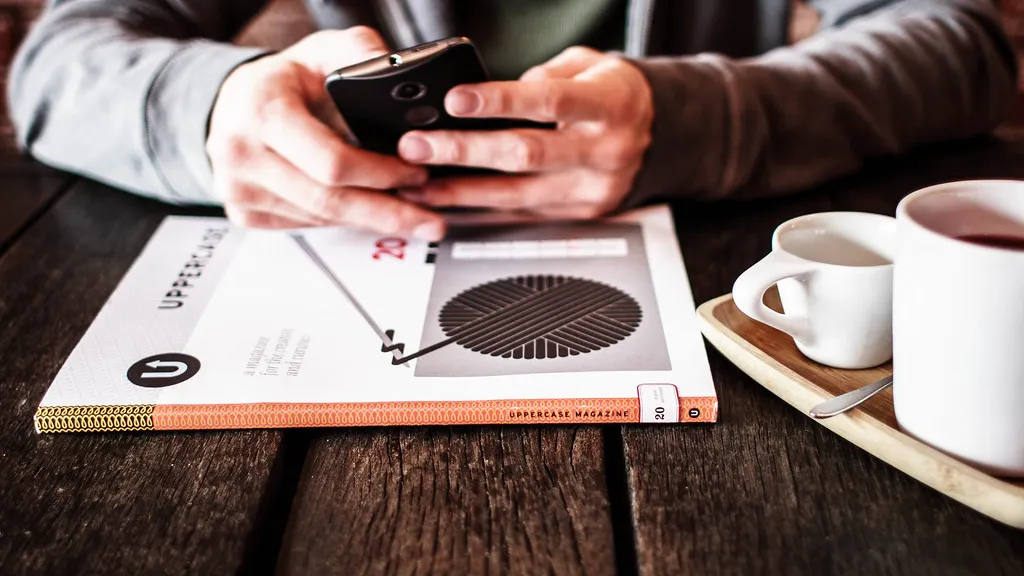
Having a page for bookings is great. But if clients have to go looking for it, they'll keep calling or messaging. The link has to be right where people already look at you.
On your Instagram
It's where most new clients discover you. Put your page link in your profile bio, which is the first thing people open. And every time you post a story with free slots this week, add the link. Anyone who sees it can book without leaving their phone.
One idea that works. In your bio, instead of "message us to book", write "book your appointment here". It turns a lot of messages into finished bookings.
On your Google profile
It's the listing that appears on Google Maps and on the right of the results when someone searches for your business. Paste your page link as the website and, if Google lets you, also as the link for booking appointments. That way, someone who finds you searching "barbershop near me" books in two steps.
Check that the name, address, phone and opening hours are the same on Google and on your page. If they don't match, Google can't tell which one is right.
In your messages
When someone writes to ask for an appointment, reply with the link. "Here you can see all the free times and book in a minute." You skip the back and forth of "does Thursday work for you?" and the client chooses without waiting.
Why it also helps you show up on Google
When your Instagram, your Google profile and your Barberfy page point to each other, Google understands they're the same business and gives your listing more weight. That's why it's worth linking them, with the same details.
How to get your link
In Barberfy, once your business is published, you copy the link from the setup screen. It's the address of your booking page, with your services, photos, hours and reviews.
If you change your business name, the address changes, but the old link still takes people to the new one. Even so, update it on Instagram and Google when you can.
The next step
With the link in plain sight, most appointments will come in on their own. The next step is making sure they aren't lost. We cover it in how to reduce no-shows.
Updated on 18 November 2026