How to organise a beauty salon service menu
With services from fifteen minutes to two hours, a badly ordered menu confuses clients and throws the diary out. How to group and price them.
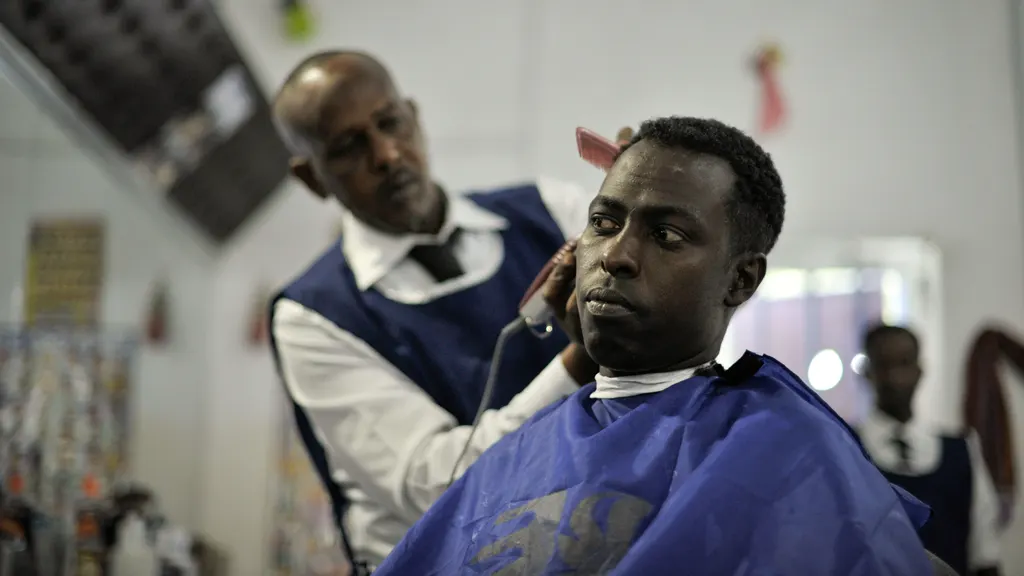
In a barbershop the menu fits on a chalkboard. In a beauty salon it can run to forty lines, with fifteen-minute services and others of two hours. If that list is shown as it is, the client gets lost and ends up calling to ask, which is exactly what you wanted to avoid.
Group by what the client is looking for
Not by how you organise things internally. Someone coming in thinks "nails", "waxing" or "facial", not treatment rooms or machines.
A few clear categories, between four and seven, are usually enough. If one has a single service, it probably isn't needed.
Names that need no explanation
"Gel manicure" is understood. "Glam Pack 2" isn't. The brand name can go in the description, but the title has to say what it is.
If two services are similar, let the name state the difference. "Gel manicure" and "Gel manicure with removal" avoid the question and avoid the wrongly booked appointment.
Duration is the most important thing
It's the figure that drives the diary. A service that is ten minutes short causes delays for the rest of the day.
Include in the duration everything that occupies the room or the station, preparation and tidying up too. If a treatment needs processing time and you could see someone else in the meantime, think about whether it's really worth it, because in practice it tends to go worse than planned.
A clear price, or a "from" price
When the price depends on hair length or on the area, it's better to create variants with their own price than to write "ask". A client who can't see the price often doesn't book.
Who does what
Not everyone in the team does every service. Assign each service to the people who carry it out, and online booking will only offer the right ones. It's how you make sure nobody books eyelash extensions with someone who only does manicures.
Order matters
The first thing seen is what gets booked most. Put at the top what you're asked for most or what you most want to sell. In Barberfy you set the order of the menu by dragging the services, and it's the same one the client sees on your page.
Your public page shows the first services and the rest behind a button. The ones at the top are, in practice, your shop window.
A photo helps
Beauty is bought with the eyes. A real, well-lit photo of your own work sells more than any description. Better one good photo than six average ones.
Review the menu twice a year
Remove what nobody books. A short, clear menu converts better than a long, complete one, and it also leaves you with a diary that's easier to run.
Updated on 18 November 2026