Invite by email and you're done
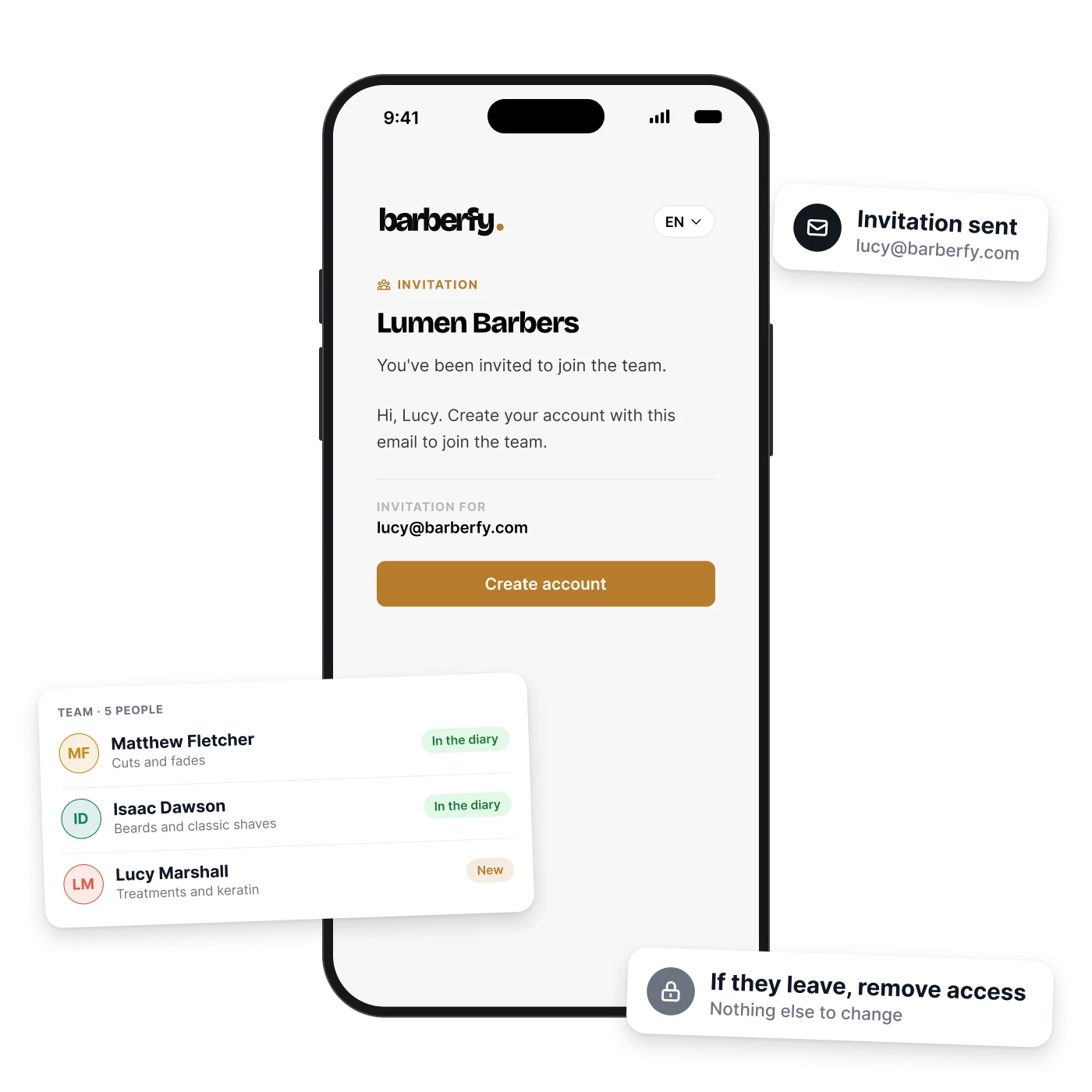
Send the invitation, they create their account and show up in the agenda with their services and their hours. If they leave, you remove the access and nothing else changes.

Team & rotas
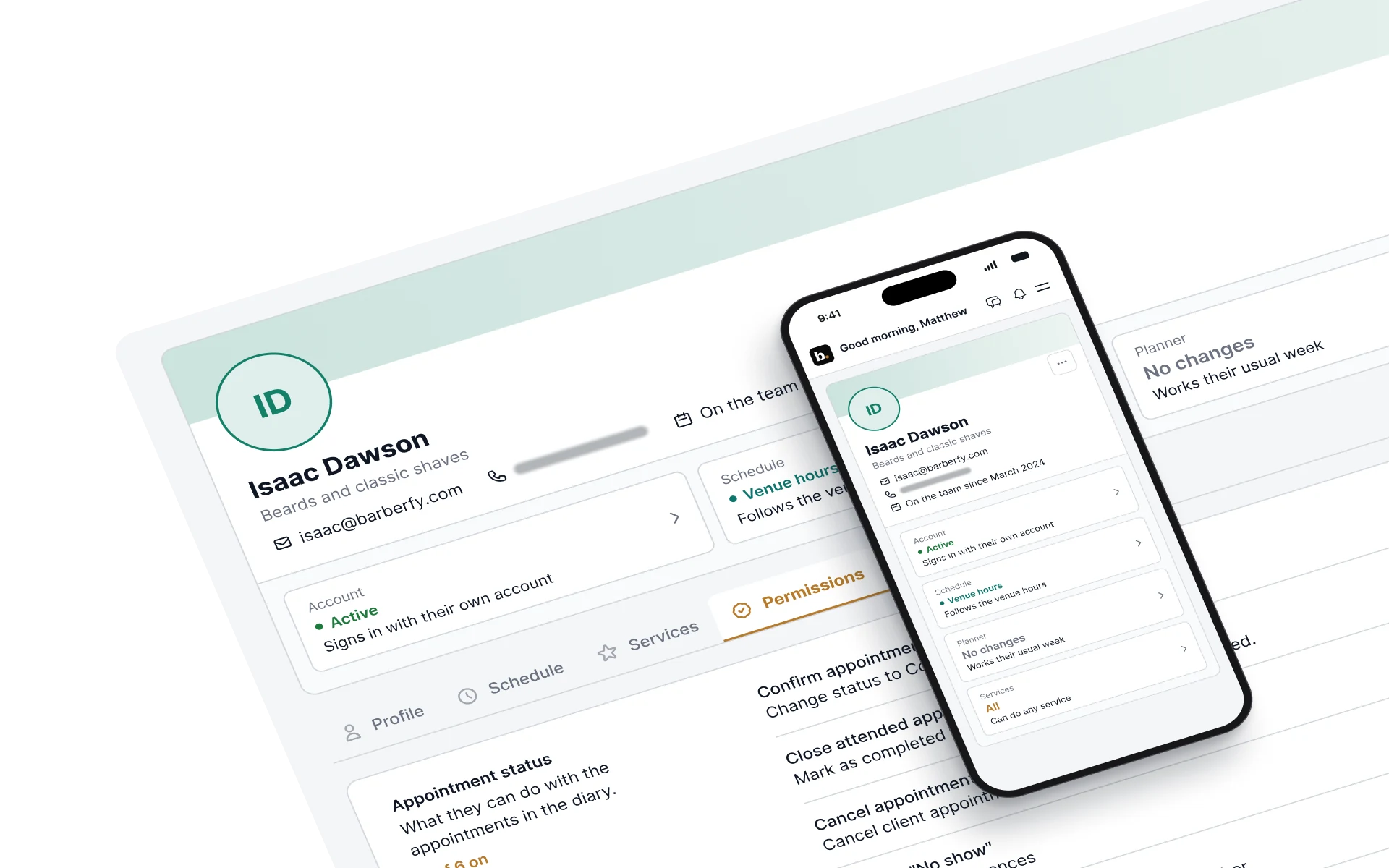
Everyone signs in with their own account and sees their agenda. You decide who charges, who touches other people's appointments and who never reaches the till.
A shared account means nobody signs for anything. The day someone leaves, you change the password for the whole team.
See how it worksSend the invitation, they create their account and show up in the agenda with their services and their hours. If they leave, you remove the access and nothing else changes.
Team permissions, one by one
These are the switches on their profile, in the state they start in. Switch on the one you care about and we'll tell you what it lets them do.
Closes the service once the client leaves. It's the normal end of a shift, and comes switched on.
Sees the venue's whole diary. Switched off, only their own and the free slots. Comes switched on.
Opens the reviews and the requests sent. Comes switched on, reviews are public anyway.
Touches earlier days, like closing yesterday's appointment. Switched off, the past is read-only.
Touches later days. Switched off, they work on today only.
Nothing here is handed out by job title. It's set person by person and changed when their role changes.
Frequently asked questions
It depends on the plan. Each includes a number of licences, and PRO lets you add more for a monthly fee per team member.
Only if you give them that permission. By default they see their agenda and their appointments, no till and no revenue.
Yes. The same person can belong to several venues, each with its own hours, and the system warns you when two shifts overlap.
Guides for your business
Other features
Choose a plan with the licences you need and adjust each person's permissions.