
Team & rotas

Sort the week in one sitting, not three phone calls

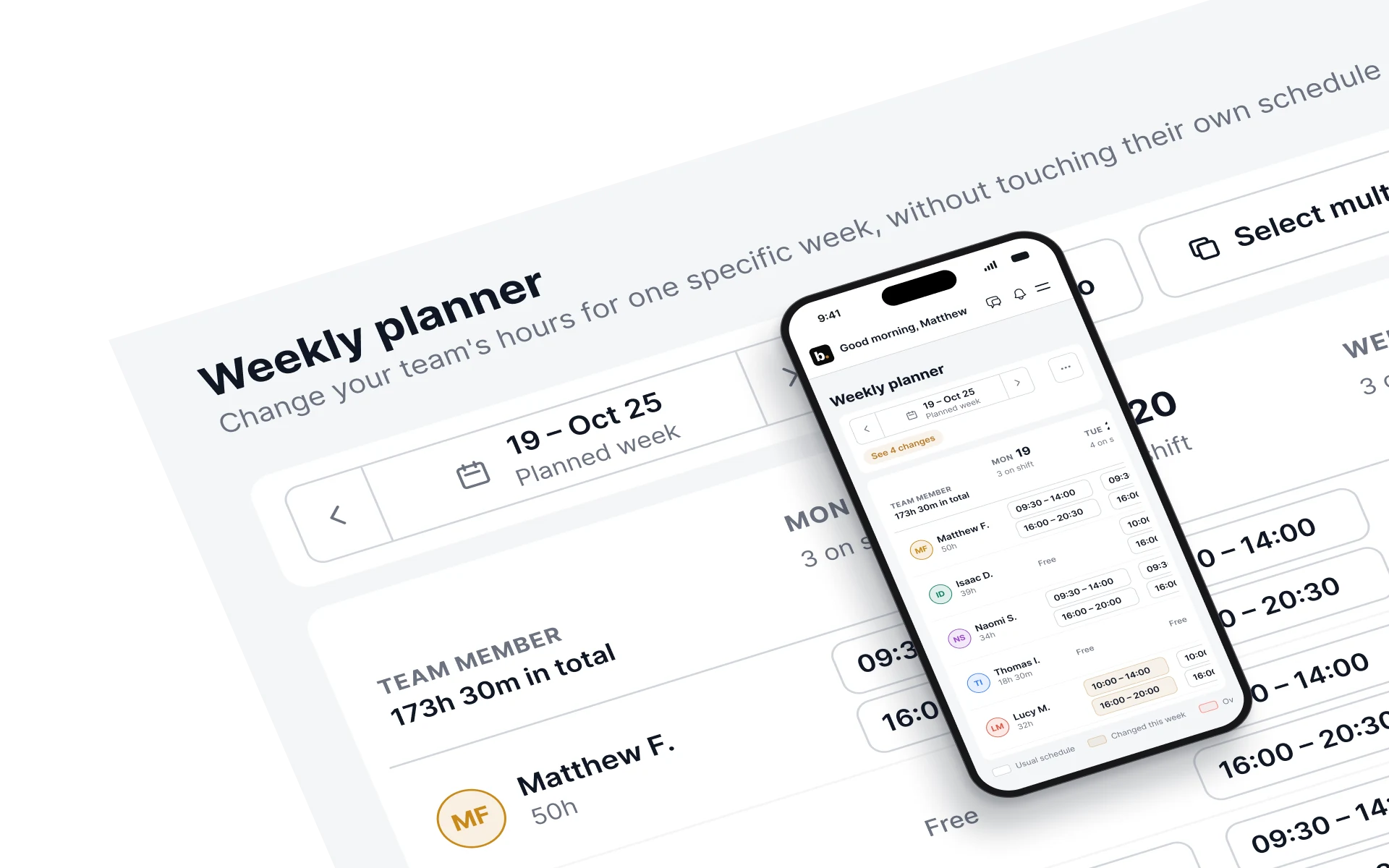
See the whole team on one grid and place each working day where it belongs. What you plan rules the hours clients are offered.

Weekly planner with each person's shifts by day, on a computer and on a phone

A rota on a separate sheet ends in appointments given to whoever was off . And that call is yours to make.

See how it works

The whole roster, one week, one screen

Each row is a person, each column a day. One look tells you who opens, who closes and which day is short-handed. Each row ends with that person's hours for the week, and if the week looks like the last one you copy it in one go.
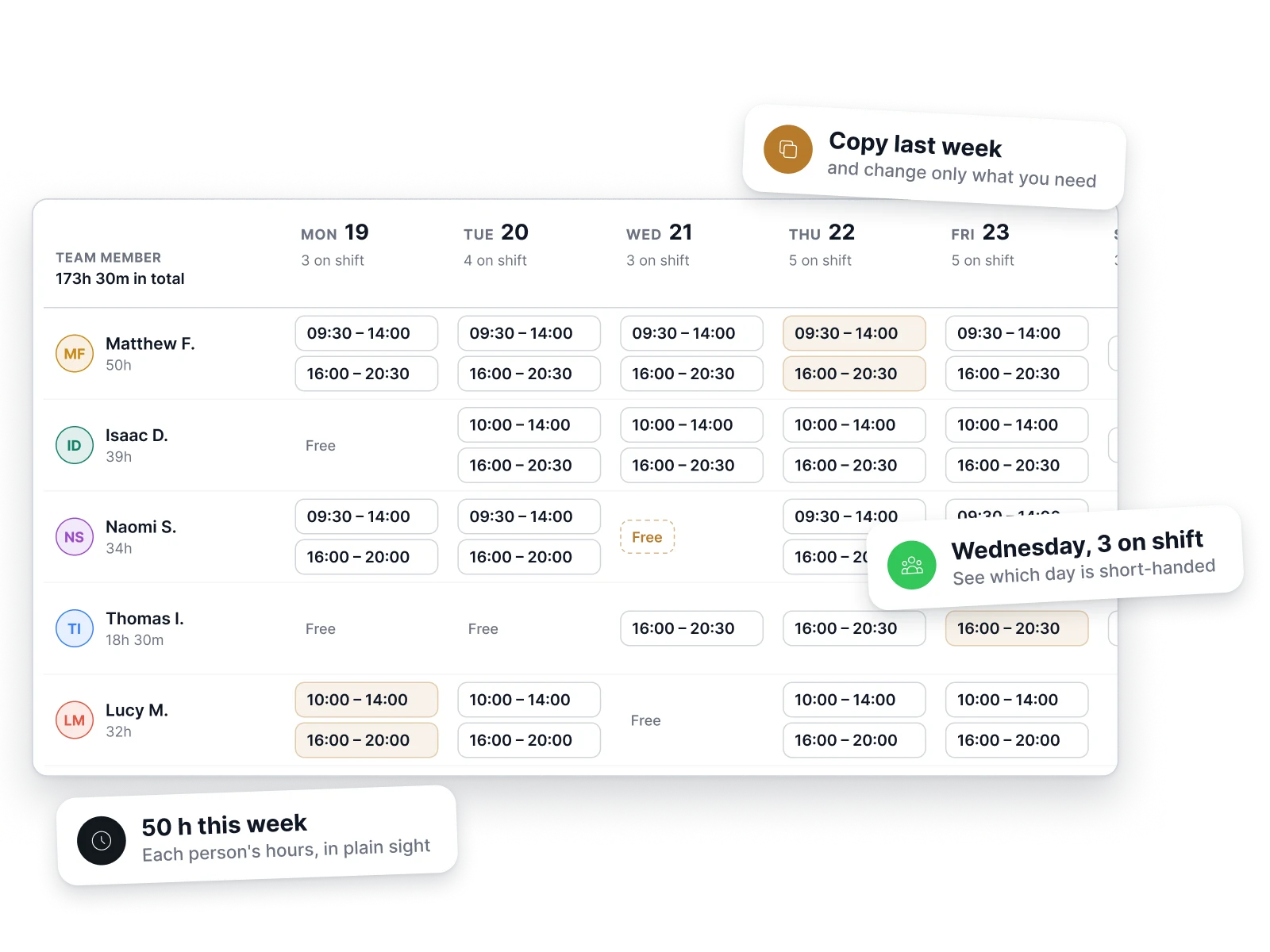
Weekly planner with each person's shifts by day and their hours for the week
  1. Place the shifts

    Edit each person's hours on the relevant day, split or straight through, and copy the previous week when it looks the same.

  2. Mark working and non-working days

    Each day can use continuous hours, several working periods or be marked as non-working.

  3. The agenda catches up by itself

    Hours belonging to whoever is off stop being offered on your booking page. No notices to send, no slots to pull by hand.

What's inside

  • Split shifts and one-off working days
  • Working and non-working days for each person
  • Copy one week to the next
  • A warning when two shifts overlap
  • Each venue with its own roster

Next week, sorted before Friday

See pricing to find which plans include the weekly rota planner.